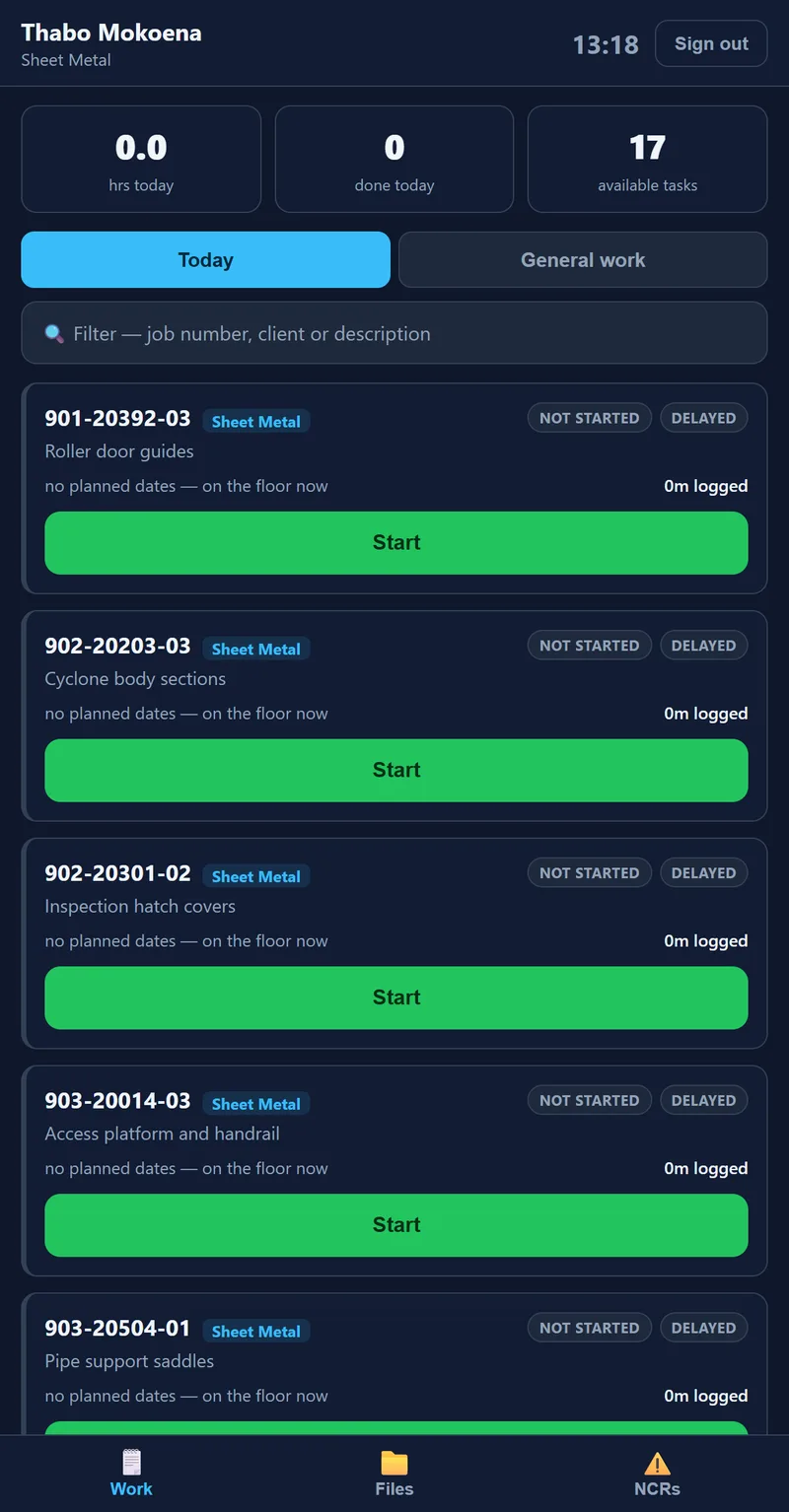
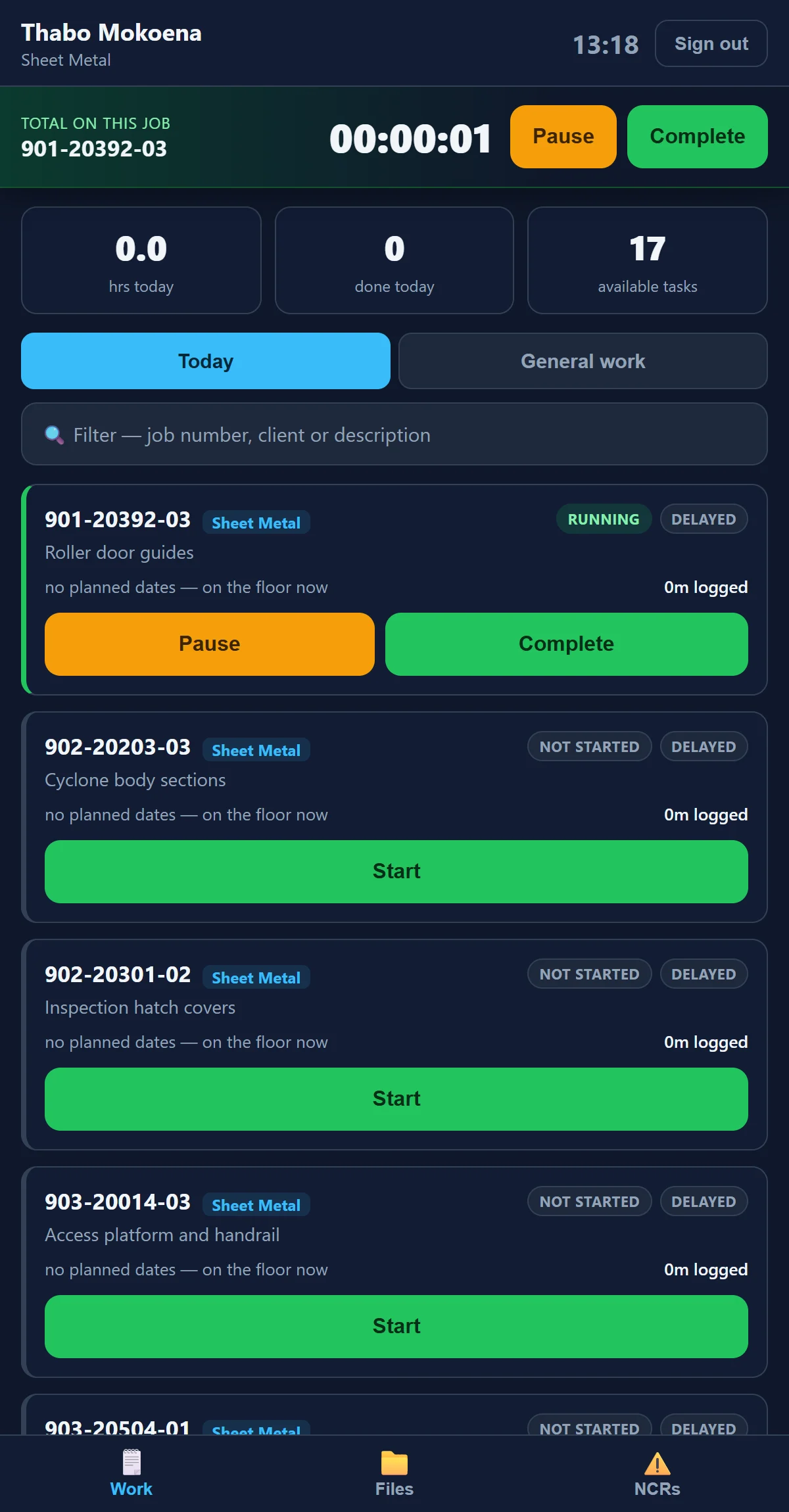
Four taps to clock on.
Operators sign in with their employee number and a PIN they chose. It is a separate sign-in from the office, and it opens only the station.
- 1Employee number
The number HR already gave you.
- 2Your PIN
Chosen by you. Nobody can see it, not even HR.
- 3Pick the task
Only the work waiting for you is on the list.
- 4Start
The timer runs. Pause or Complete when you're done.
Start, pause, complete
Time lands on the operation and the job as it happens. No time sheets on Friday.
General work
Work that isn't on a route card is clocked against the job from its own tab.
Raise an NCR
At the machine, with a photo, while it is still in front of you.
Training at the tablet
The operator's course runs on the station too, in the same big type.
Signs itself out
A shared tablet signs out when you walk away, so the next person can sign straight in.
Attendance photos, if you want them
Optional selfies at sign-in, with face matching. Off unless the shop switches them on.
Run your department from the floor.
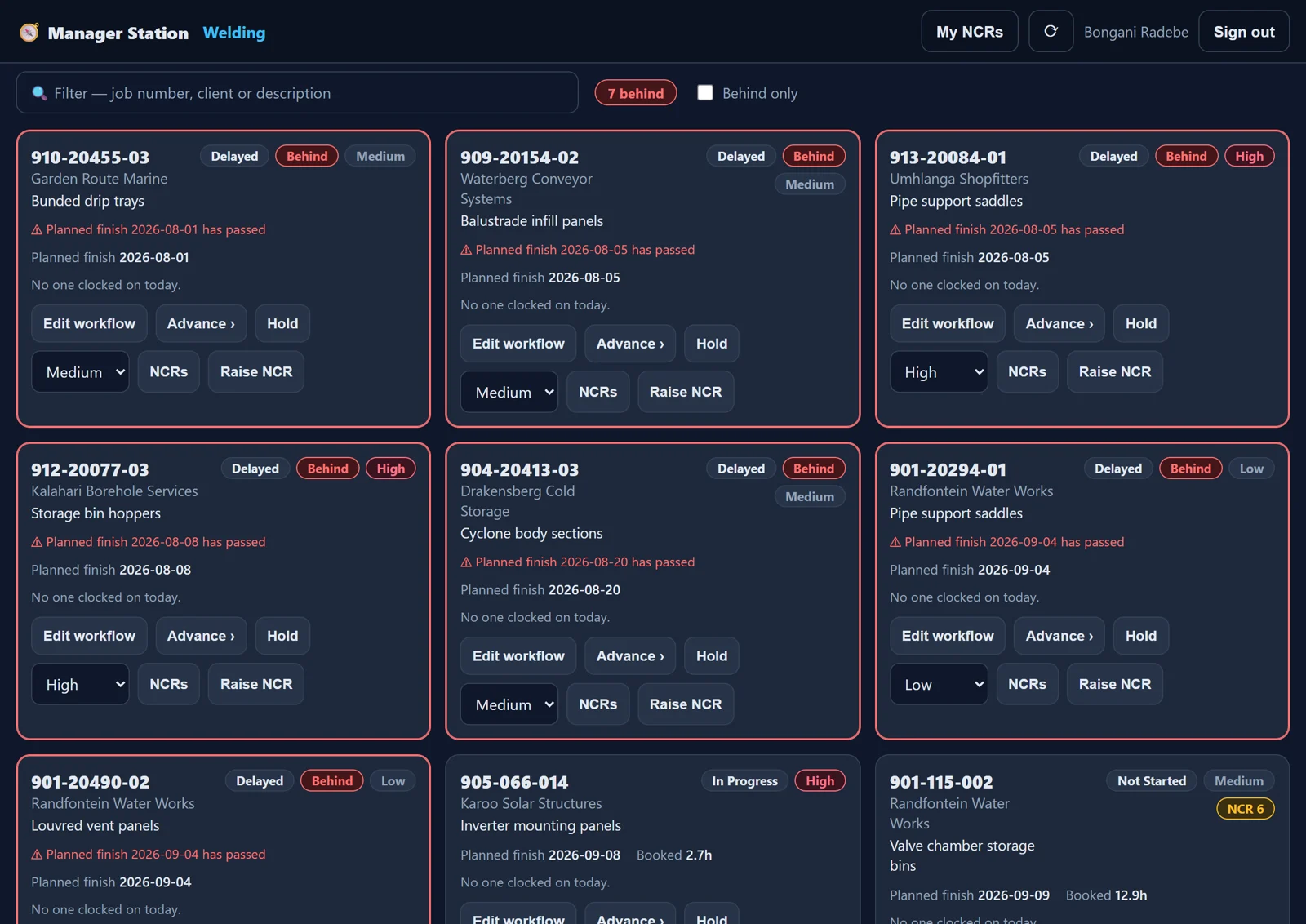
Supervisors see their department's jobs on one board: what is behind, who is on it, what is next. They act on it without walking to the office.
- Advance a job, hold it or flag it priority
- Edit the department's workflow for a job
- Raise and manage NCRs
- Undo a completion for 24 hours
- Every change logged, field by field
The floor, on the wall.
A screen per department that needs no sign-in. It rotates through what the team needs to see, and nothing it shouldn't.
Today's hours
Who has clocked what, today, for the department.
Open NCRs
The department's open non-conformances, so they get closed.
Never money
Wall screens show key figures only: no Rand, no personal data. Names are a setting.
Designed for gloves and noise.
People on the floor use a system when it is faster than not using it. Every screen on the station is built for that.
Thumb-sized
Big targets and nothing smaller than 13px, on one column.
The running job on top
The job you are on is always pinned at the top, with its timer.
Always dark
Easy on the eyes under workshop lights, and it looks the same on every tablet.
No menu to get lost in
The station opens only the station. No office screens, no settings.
Put one tablet on your floor. Start with one department, and let the floor show you what it can do.